Building assets
Asset Canvas tools
On the Asset Canvas, you can use the tools around the canvas to select, view, and organize content.
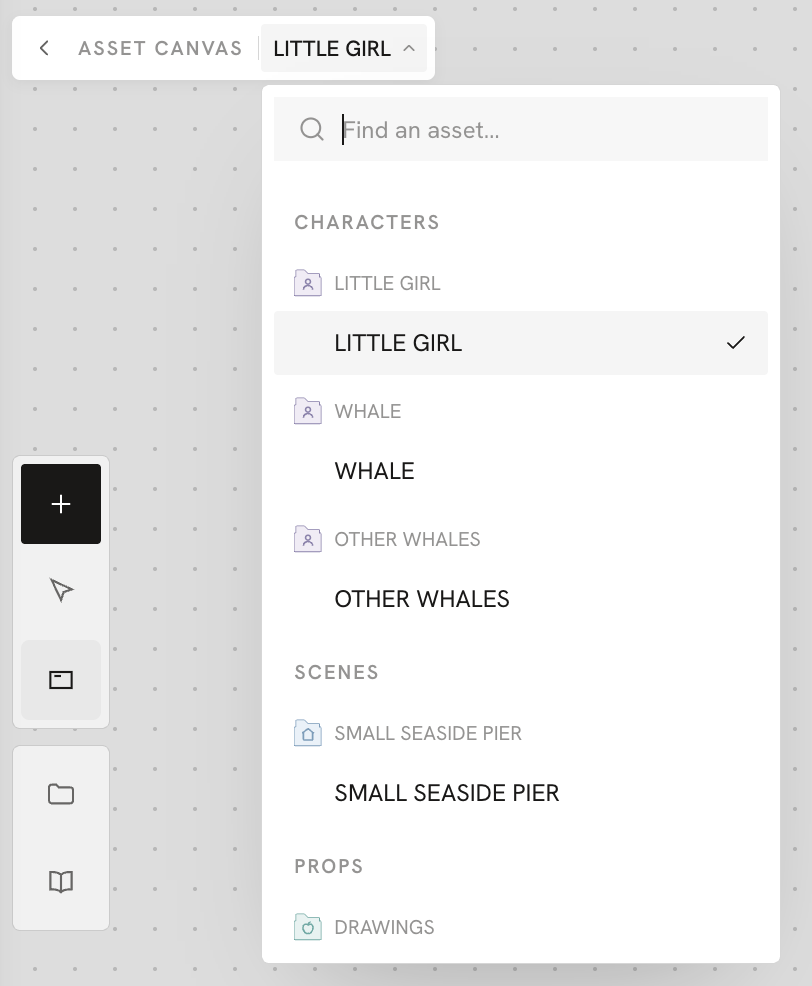
Asset list in the top-left corner of the canvas
Once your project has several assets, use the asset list in the top-left corner to quickly view them and switch between them. You can also click the back button to return to the Assets overview.
When you open the asset list, you can:
- See what each asset contains
- Click an asset card to switch quickly between Asset Canvases