How to search for inspiration
Search with cinematic labels
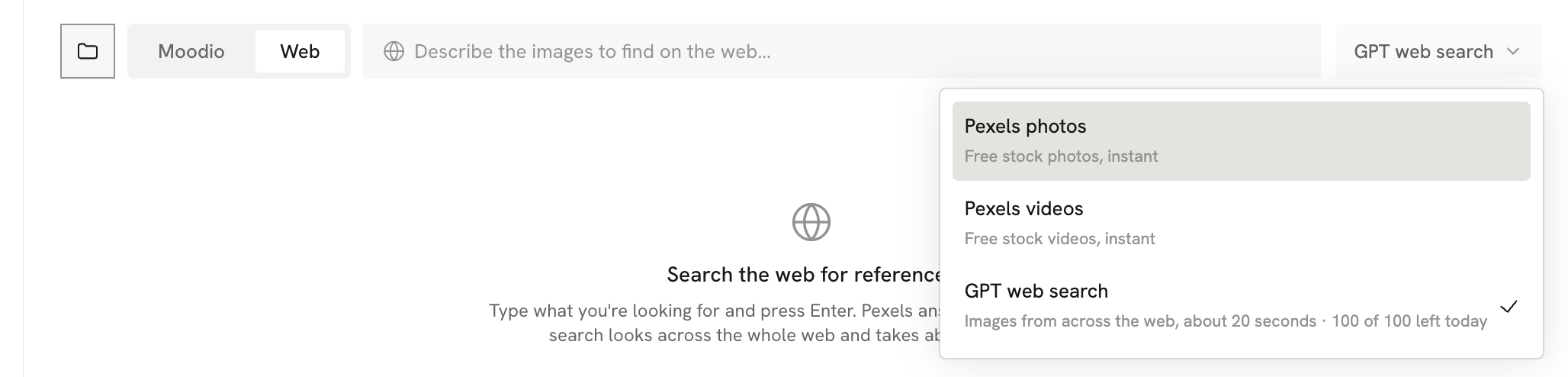
Moodio Discover lets you search with professional Cinematic labels. After you choose the labels you want, you can quickly filter for references that match a particular kind of shot.
Click Filters at the top of Discover and choose cinematic labels such as shot framing, camera angle, camera height, camera movement, and camera focus to search precisely. You can also choose a media type (Shot/Image/Multishot) and an origin (AI/Non-AI).
Search with keywords
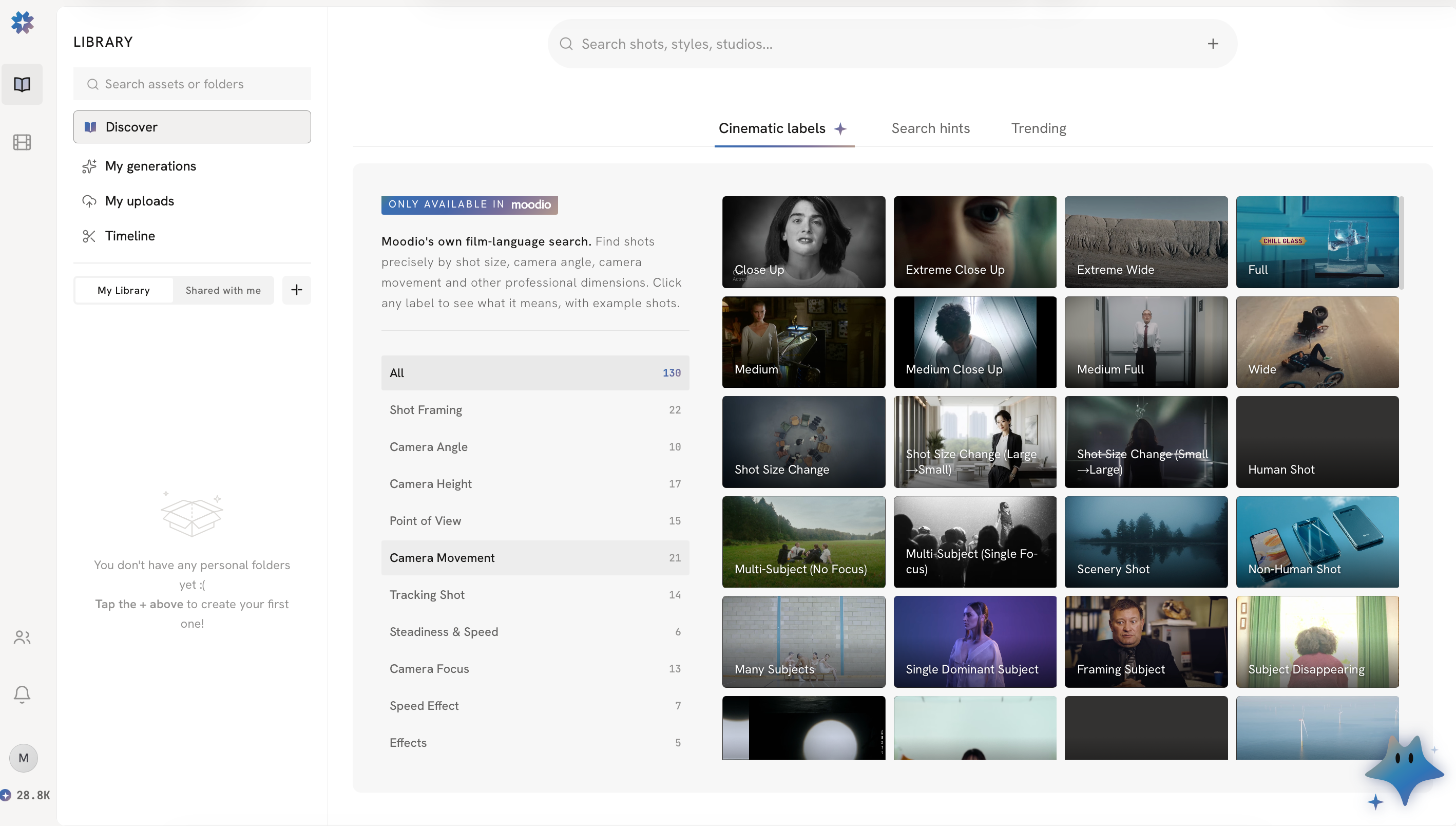
If you have no specific shot in mind, you can also just type keywords, such as a mood, atmosphere, scene, or style.
For example, type “loneliness”, “summer beach”, or “warm and touching” to quickly find references with a matching visual mood.


Search by image
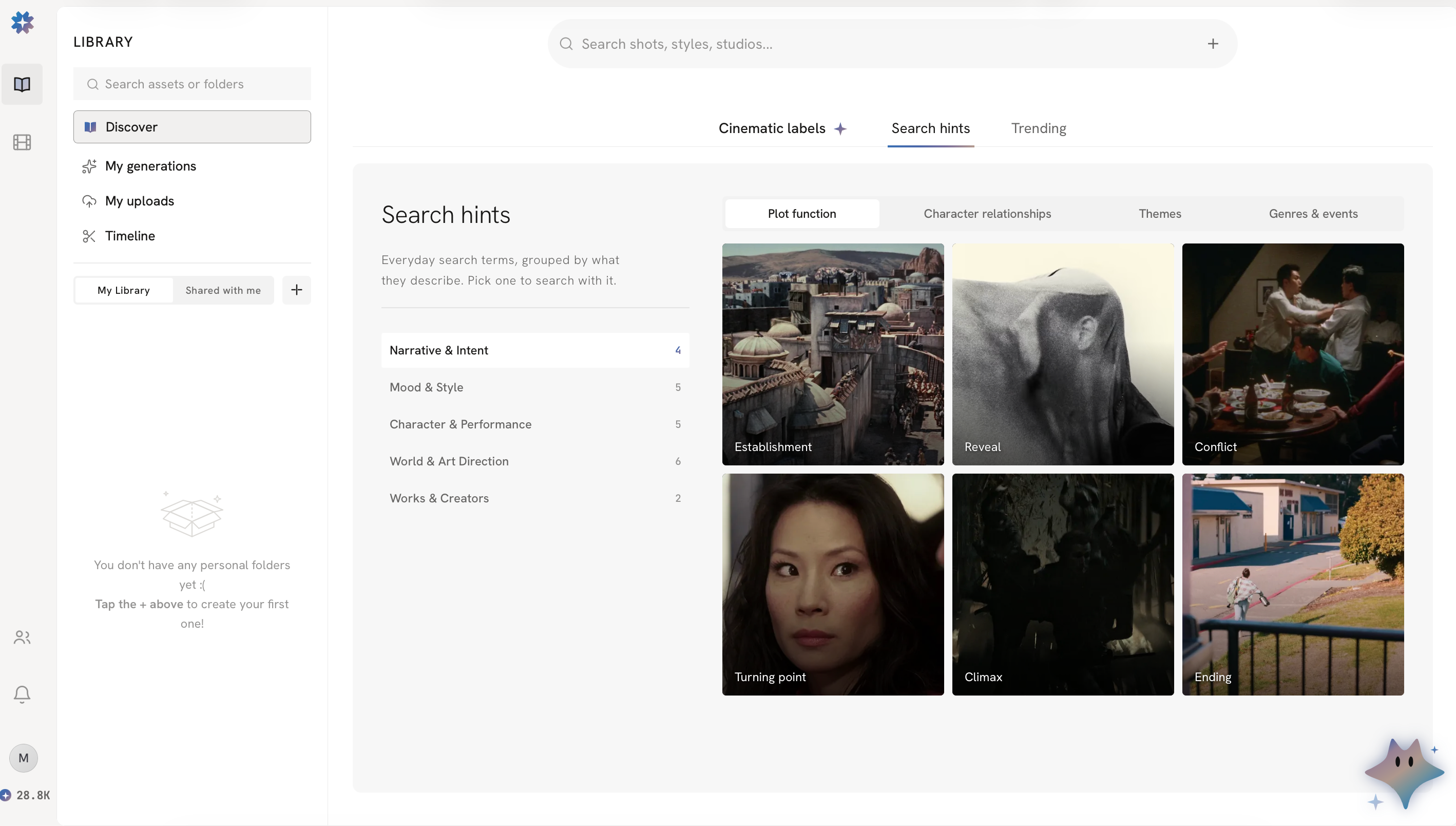
Upload an image to use search by image: Discover looks for references that are visually similar or related to what is in the image.

Web search
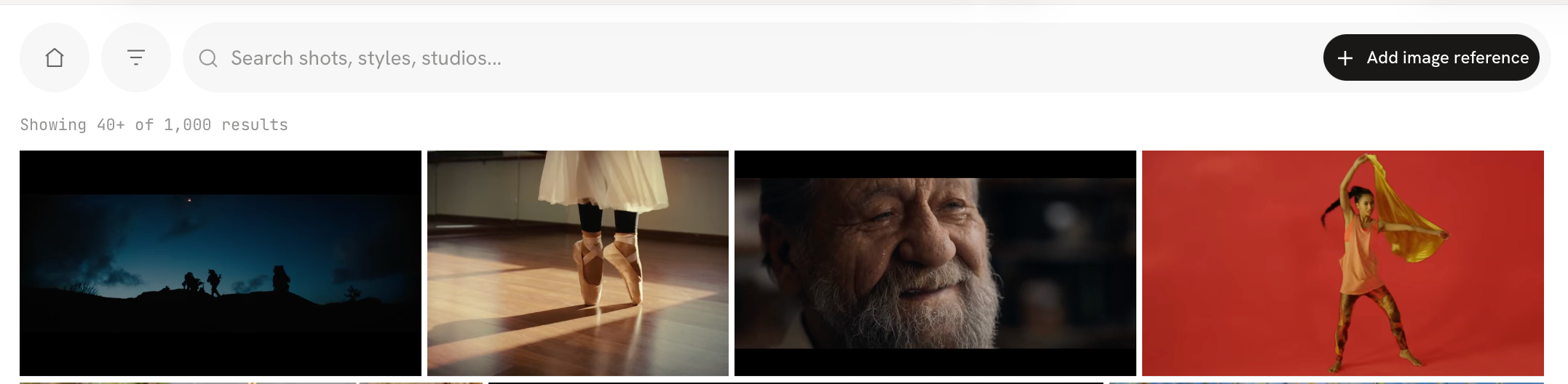
Besides the content in Discover, Moodio can also search the web.
When you cannot find a suitable reference in Discover, search the web for a wider range of images, videos, or other creative references to help you explore more ideas.