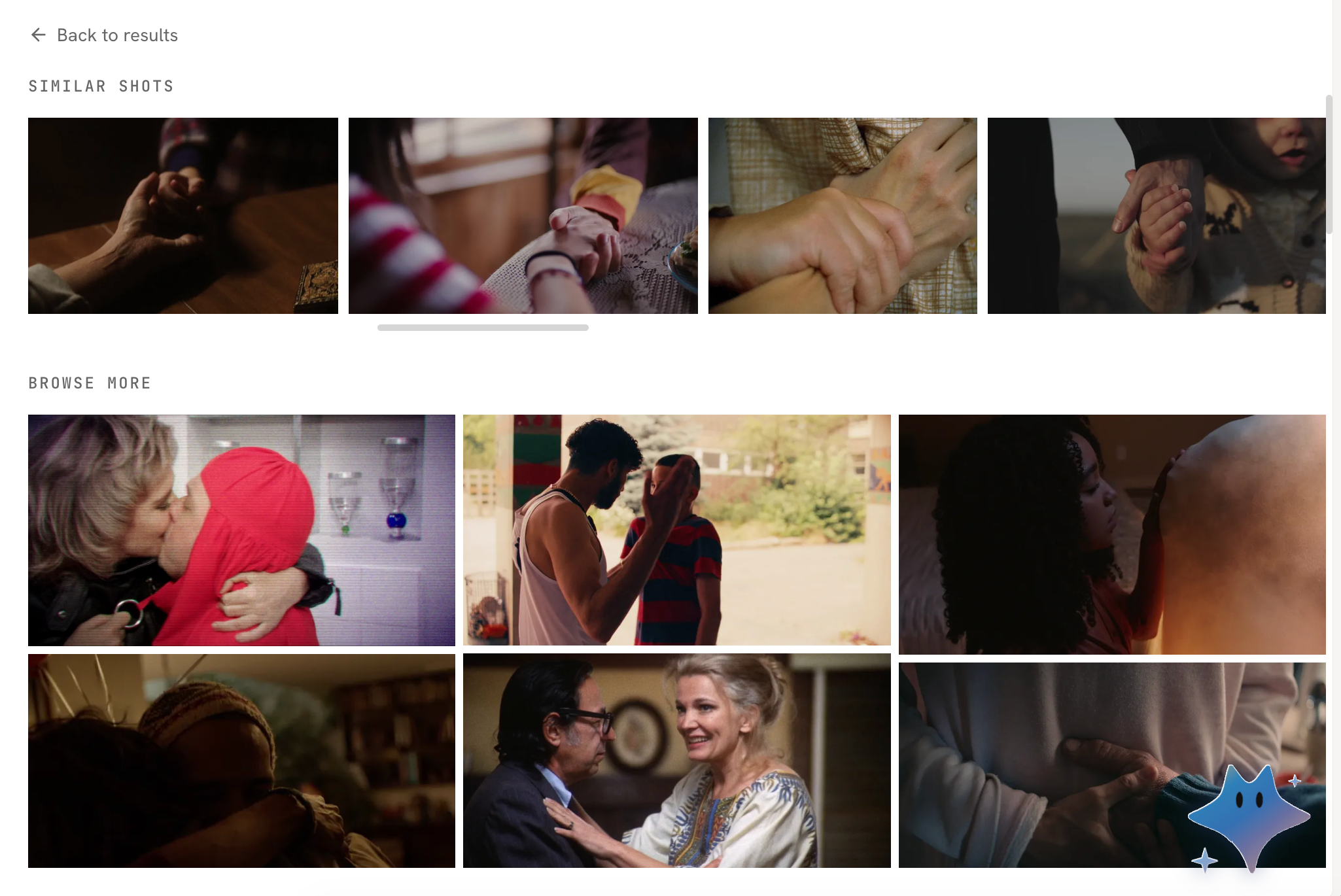
Discover
What you can do with search results
Use results in your creative work
- Save them to your Library, so you can find and reuse them later.
- Send them to an asset card, as reference material for an asset such as a character, scene, or prop.
- Send them to a clip canvas, to use directly as references for video generation.
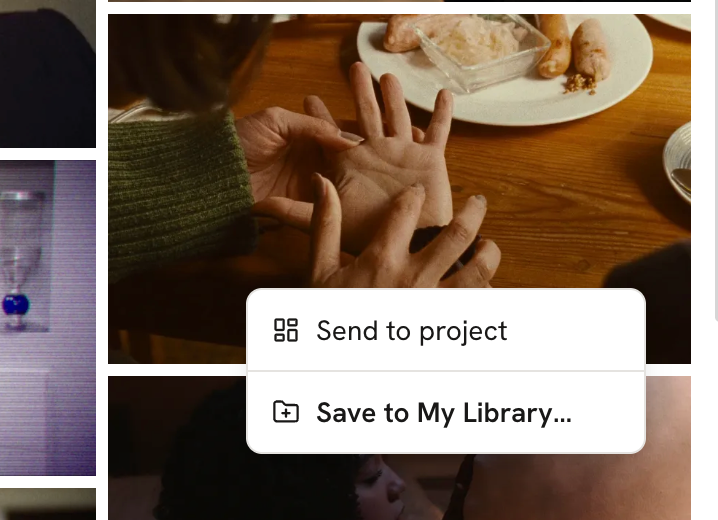
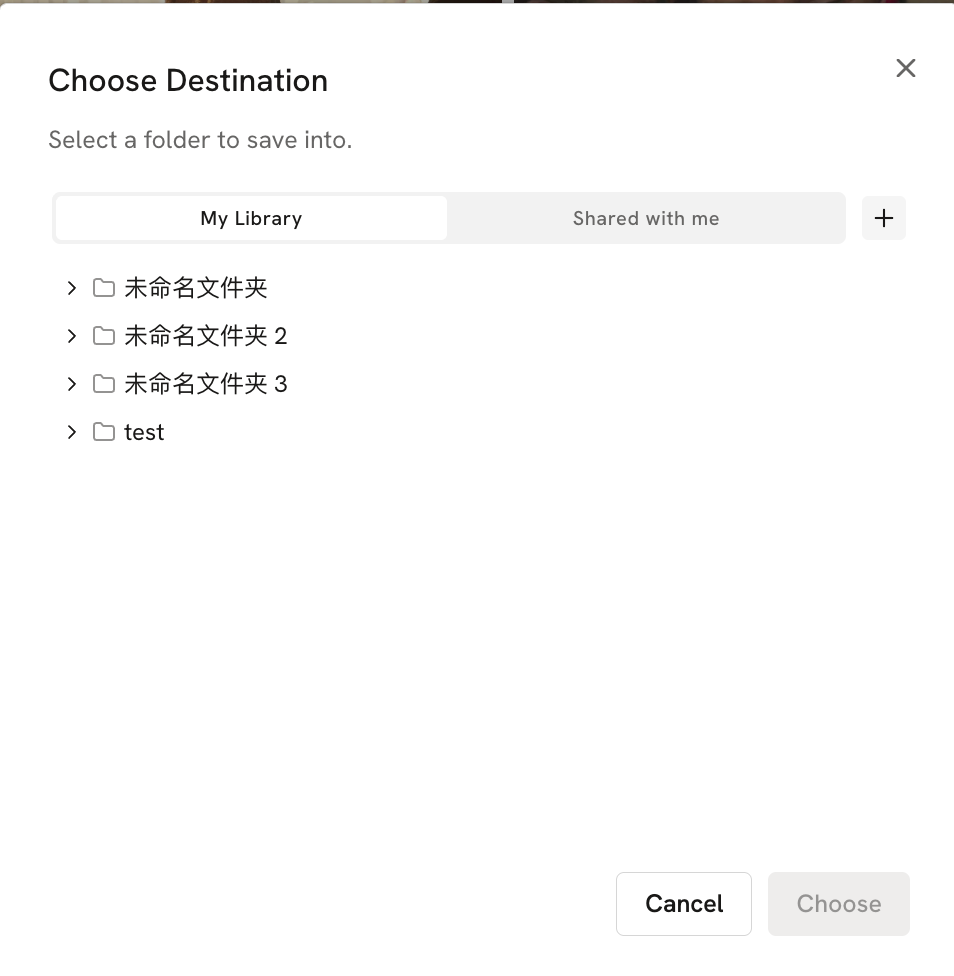
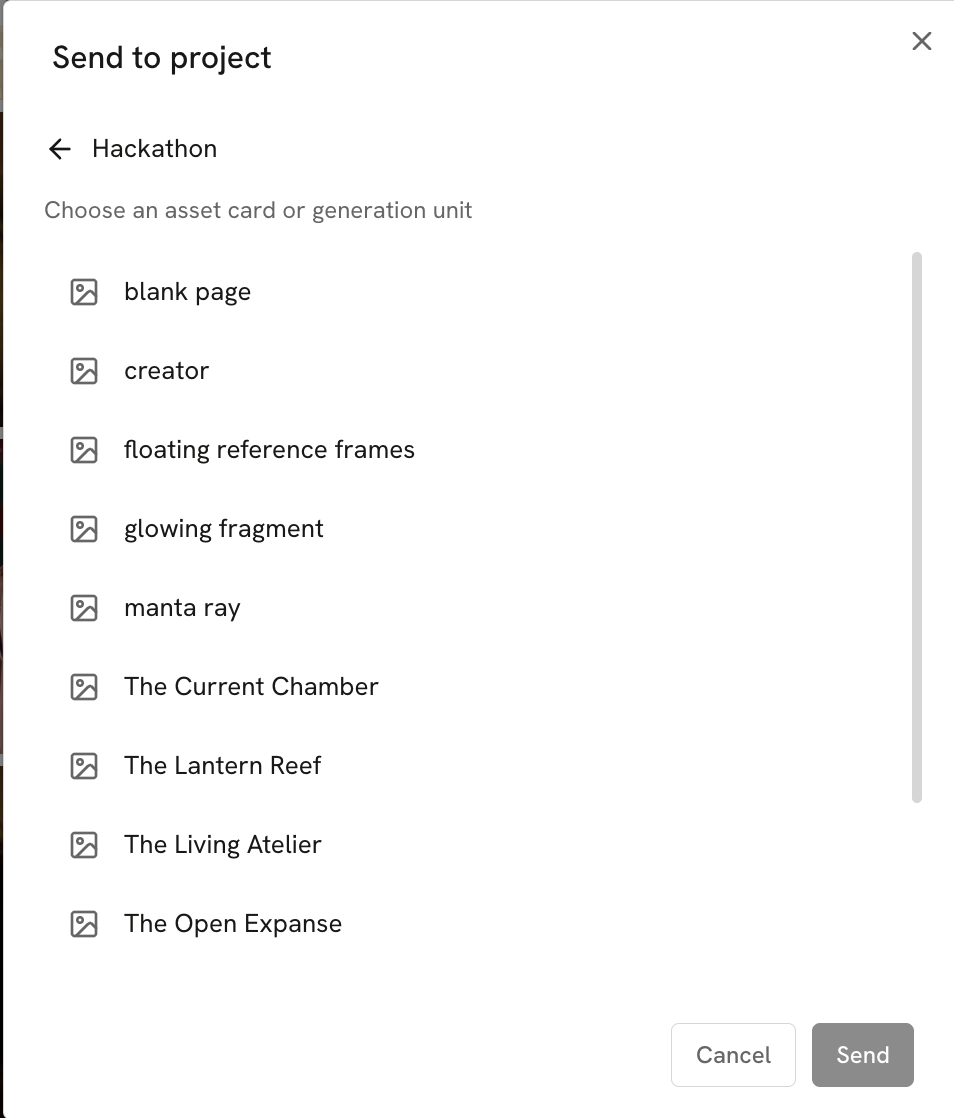
Use results as references for the Agent
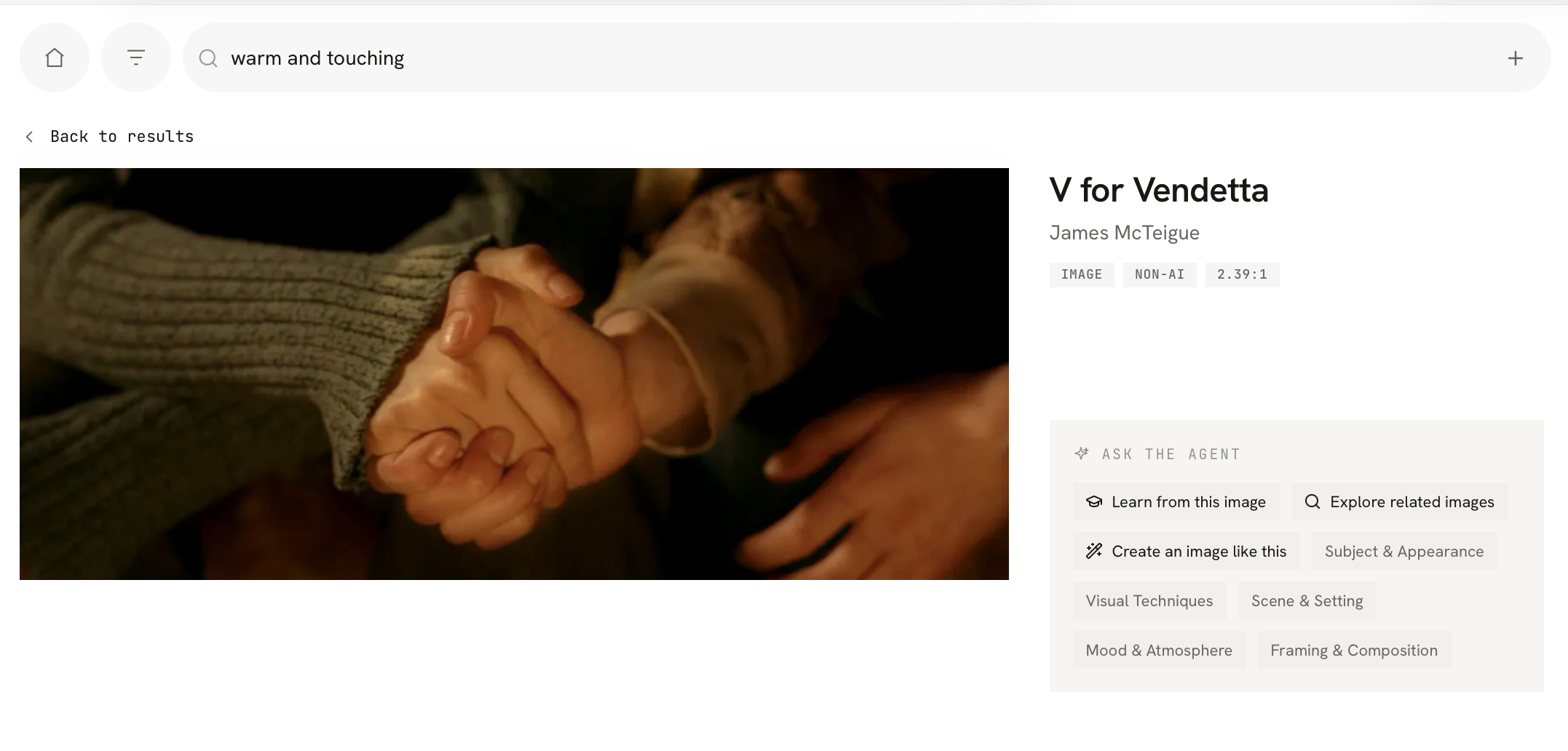
- Ask the Agent to analyze this image
- Ask the Agent to search for more similar media
- Ask the Agent to generate other media using this image as a reference
View more similar content