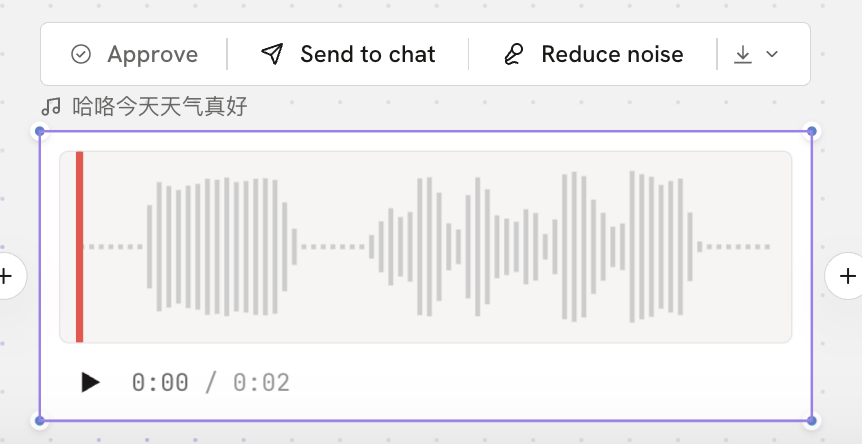
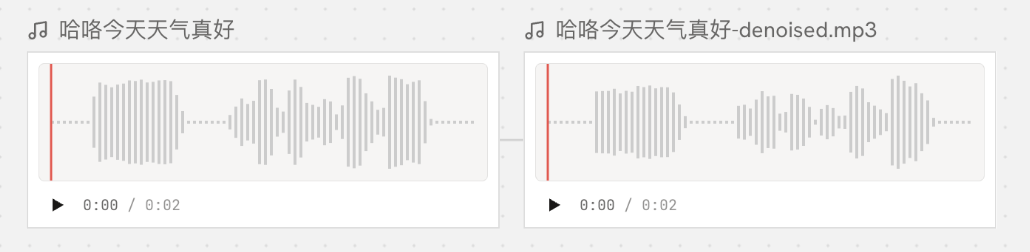
AudioAudioAudio node actionsAudio node actionsAfter audio is generated, you can confirm, process, and download the result.Reduce noiseReduces background noise and other unwanted sounds in the audio, so the sound is clearer.After noise reduction, a new audio node appears on the canvas automatically, and the original audio does not change.← PreviousGenerate audioNext →Editing
 Help & DocsHelp & Docs